
What should your agent make?
Find a tested skill for Claude Code, Codex, Cursor or OpenCode. Your agent installs it from one sentence.
Featured skills
All skills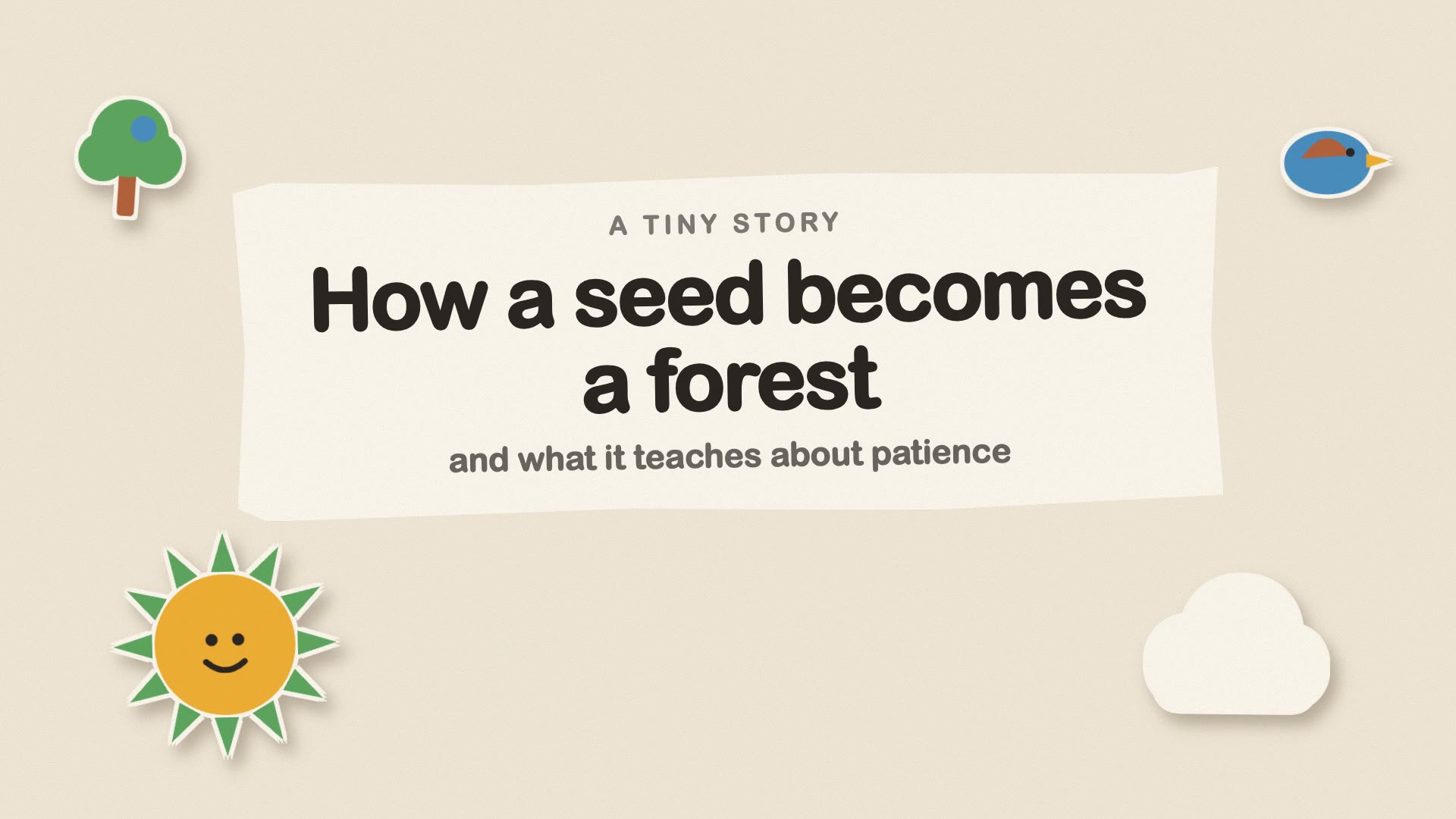
Paper Cut-out Story Video
Turns a story, lesson or process into a soft, handmade paper cut-out explainer video, rendered locally to MP4.
Videos$4.90

Commit Message Writer
Writes clear commit messages from your staged changes, in your repository's own style.
GitFree
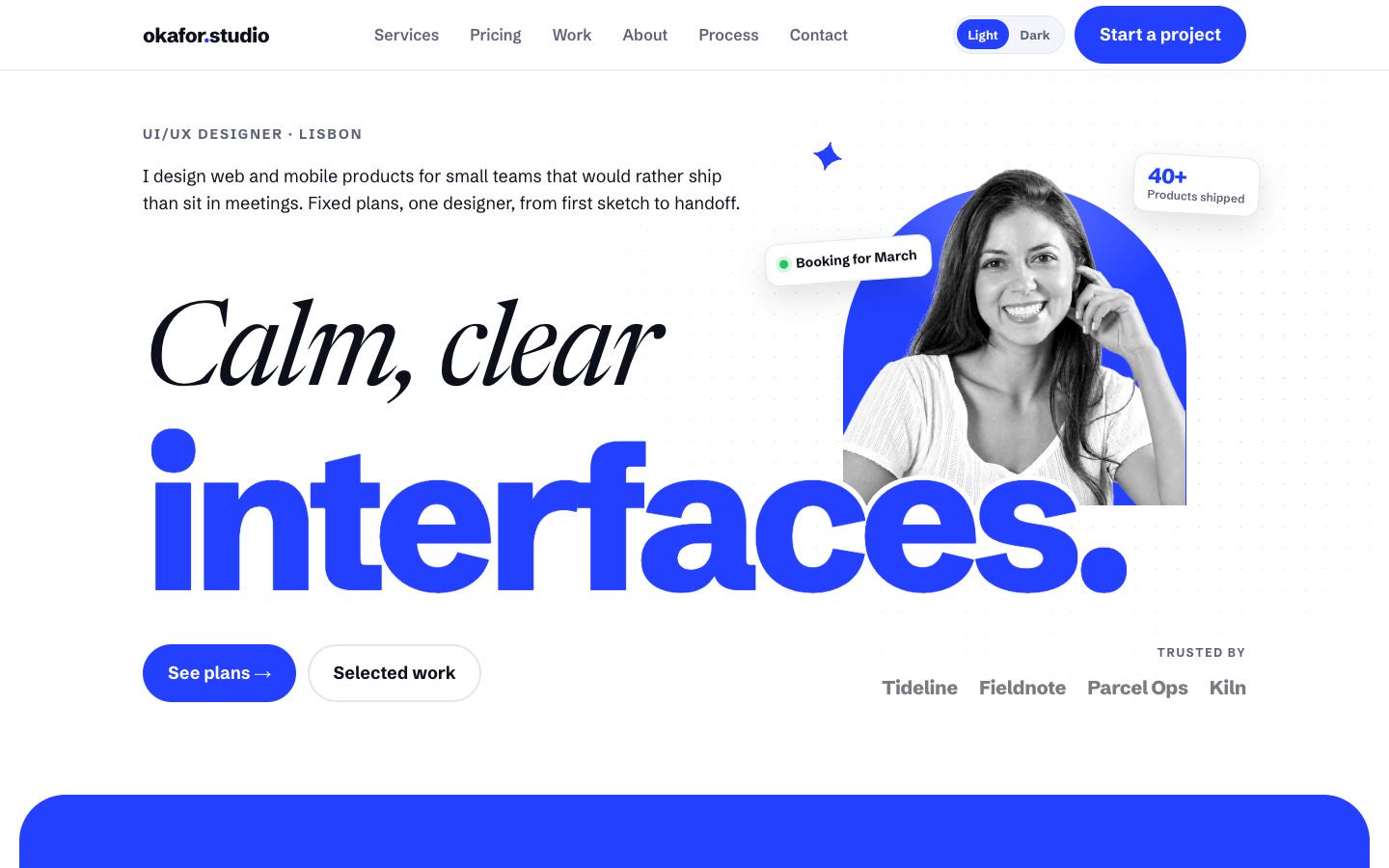
Cobalt Freelancer Site
A bold, multi-page site for a one-person studio with fixed-price plans, built into one HTML file that works offline.
Web & HTML$4.90
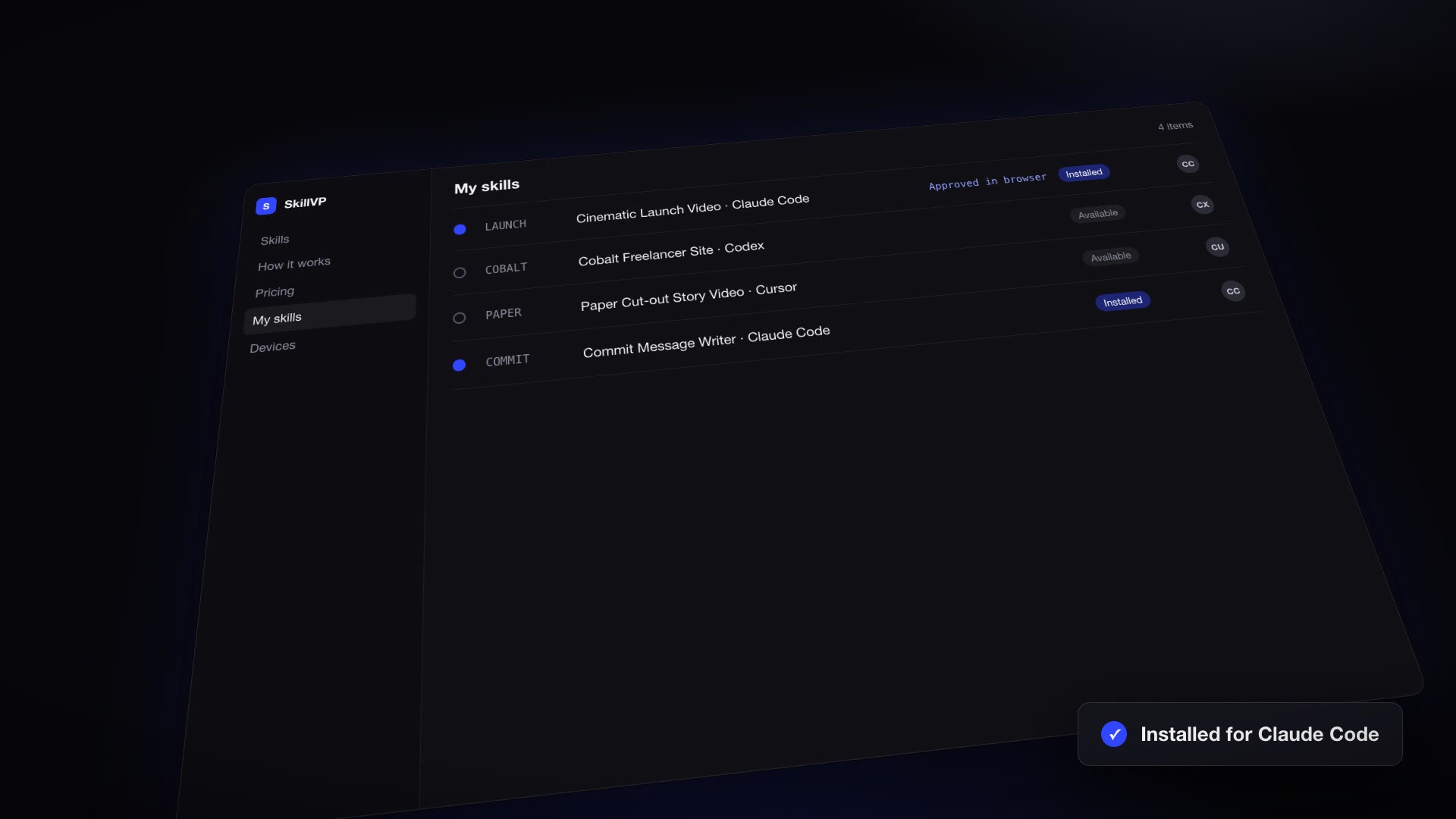
Cinematic Launch Video
A dark, glowing 25–40 second launch film for your product, rendered locally to MP4 with a music bed and interface sound effects.
Videos$4.90
What a skill is
A skill is a folder your agent loads when a task calls for it. Claude Code, Codex, Cursor and OpenCode all read the same format: a SKILL.md file with instructions, plus any scripts and reference files the job needs.
With a skill installed, your agent reads the instructions, runs the scripts and checks its output against the references. It follows a process that’s known to work instead of improvising one each time.
Built and tested, not scraped together.
Skills are easy to write and hard to get right. Most of the ones shared online are a prompt that worked once. A good skill has been run on real tasks, handles the cases where things go wrong, and ships the tools the agent needs. Every skill on SkillVP is written and tested by us to that standard.
- One job, done end to end
- Each skill covers a complete task, from the first step to the finished result. Not a tip, and not a prompt fragment.
- Tested on every supported agent
- We run each skill on real tasks in Claude Code, Codex, Cursor and OpenCode before it goes into the library.
- Ships working source and scripts
- Skills include the code, templates and assets the job needs, so your agent builds on something that already works instead of starting from scratch.
- Kept up to date
- Agents change quickly. Skills are versioned, and every purchase includes future updates.
How installing works
One command installs a skill into your agent’s skills folder. You need Node.js 22 or newer and a free SkillVP account.
Step 1: Choose a skill
Browse the library and open a skill to see what it does, with demo videos and example output.
Step 2: Run one command
Copy the install command for your agent. Or paste the skill’s install page into your agent and let it run the steps for you.
npx skillvp install <skill> --agent claude-codeStep 3: Approve it in your browser
The first time, the command opens skillvp.com so you can sign in and approve your computer. There are no API keys to copy.
Step 4: Ask your agent
The skill is now in your agent’s skills folder. Describe the task, and your agent uses the skill when it’s relevant.
Works with the agents you already use
Pick your agent when you install, and the skill goes into the folder that agent reads from.
Claude Code
--agent claude-codeInstalls to
~/.claude/skillsCodex
--agent codexInstalls to
~/.agents/skillsCursor
--agent cursorInstalls to
~/.agents/skillsOpenCode
--agent opencodeInstalls to
~/.agents/skills
Start free. Pay for the skills you need.
Free skills need only an account. Buy a single skill for $4.90, or get every paid skill with Premium for $9 a month. Every purchase includes future updates.
Give your agent its first skill.
Browse the library, pick a skill for a job you do often, and install it in one command. New skills are added as they pass testing.